


SPECIFICATIONS
Brand Name: EASY TAPES
Bulk Packaging: Yes
Cartridge’s Status: Full
Choice: yes
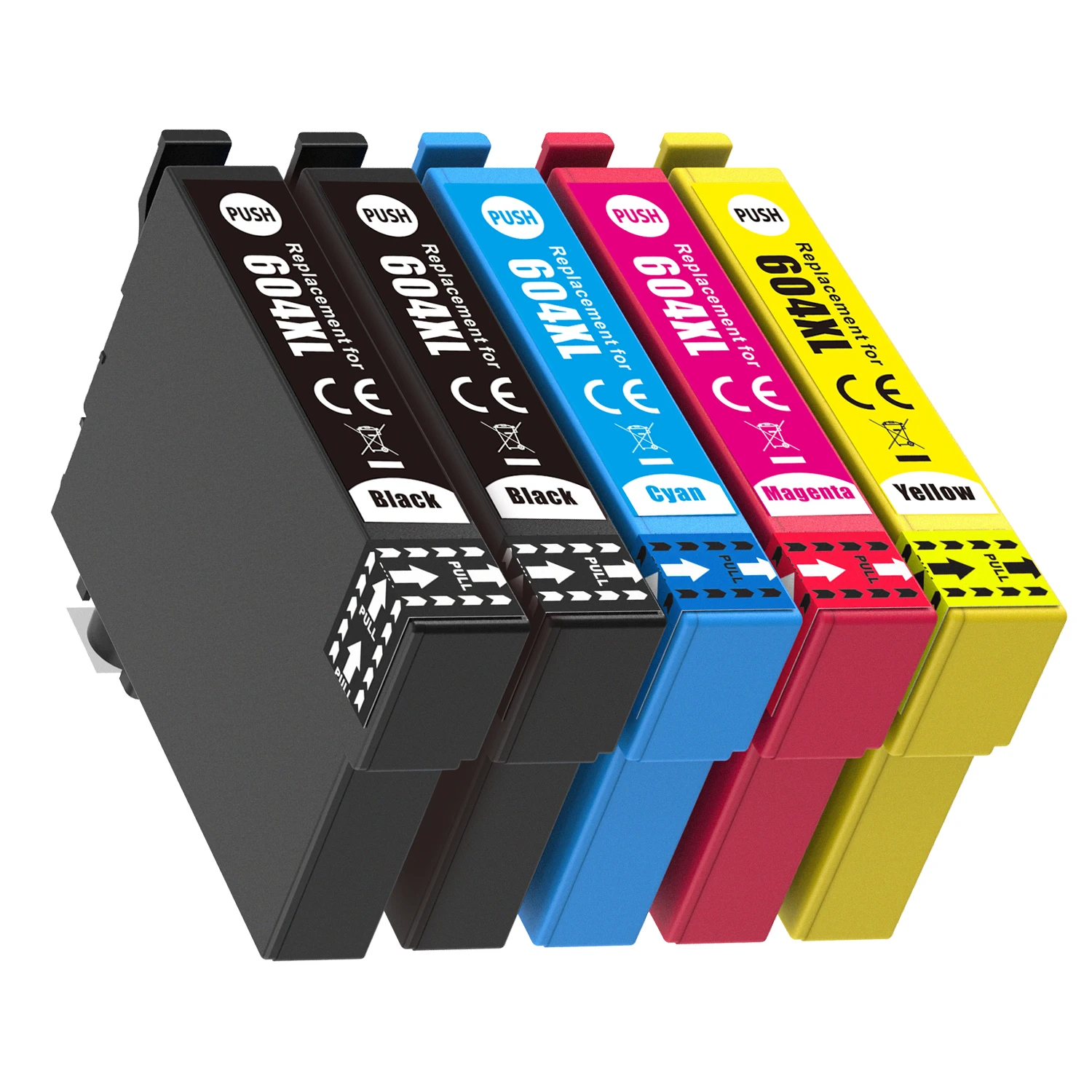
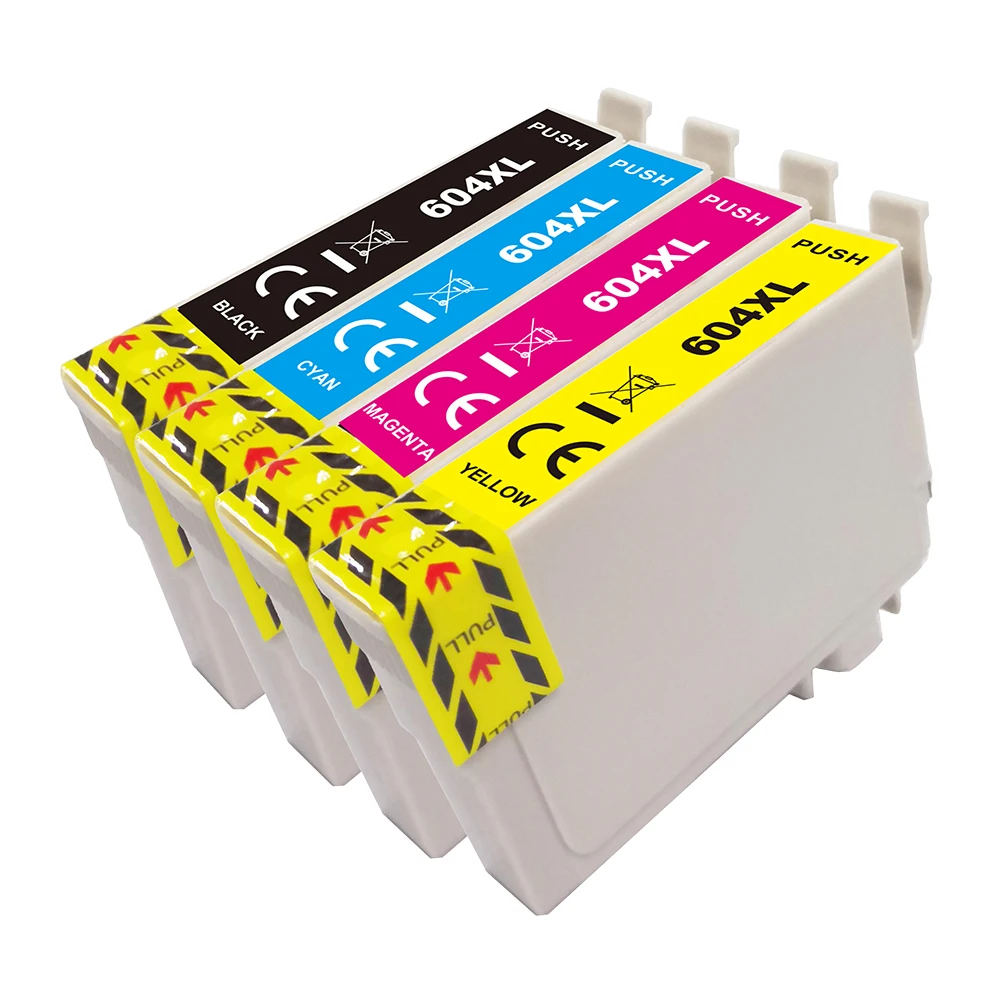
Color: Black Cyan Magenta Yellow
Compatible Brand: Epson,Epson
Feature: Compatible
High-concerned chemical: None
Model Number: E-604XL
Origin: Mainland China
Type: ink cartridge
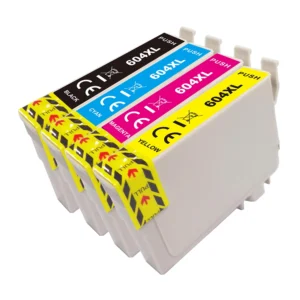
Product name:E-604XL (EU)compatible ink cartridges
Defective rate:<0.2%
Ink type: Dye
Color: Black, Cyan, Magenta, Yellow
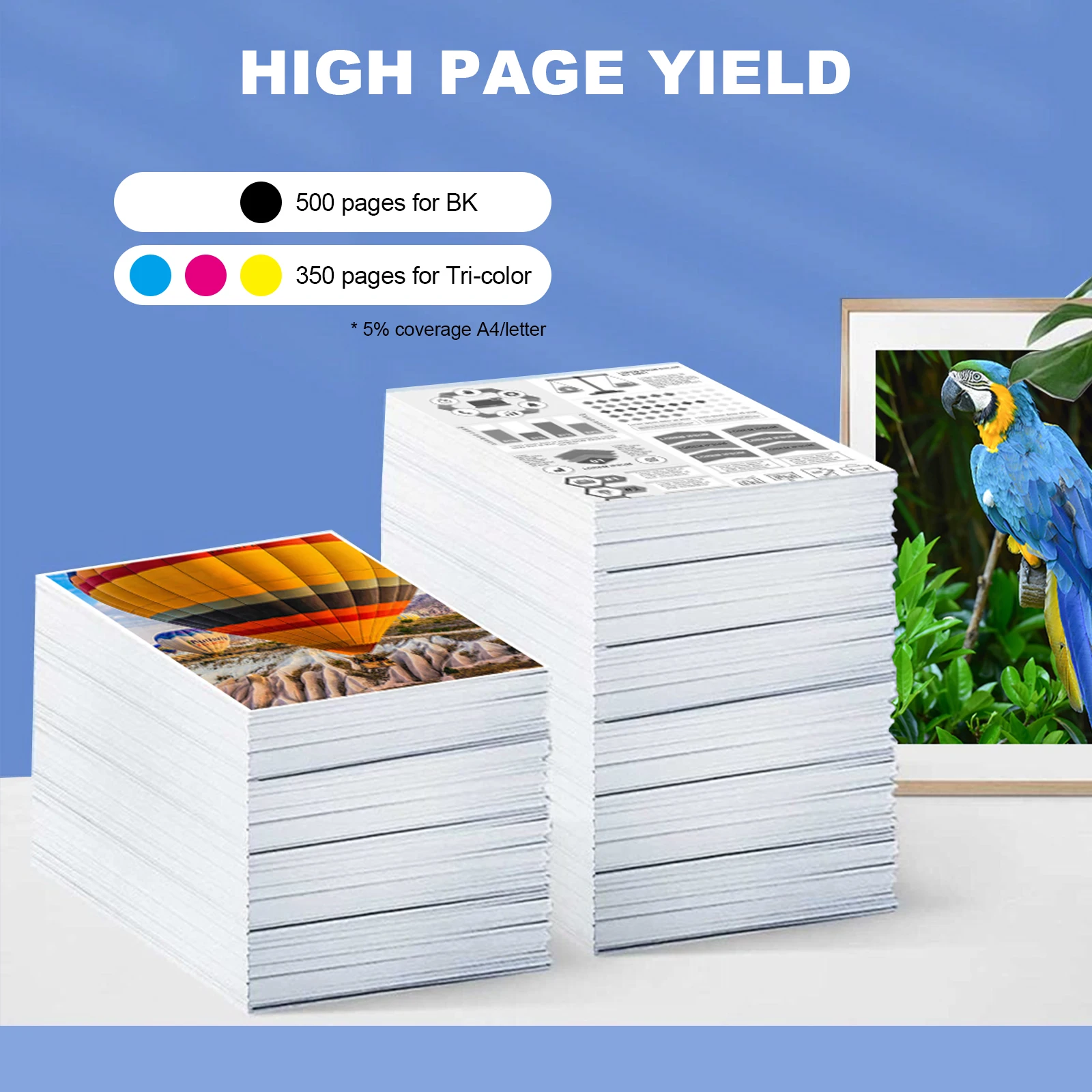
Ink Volume : Black:18.2 ml,Cyan, Magenta, Yellow:12 ml
Shelf life: 24 months (unopened)
Page yield: BK:500 C/M/Y:350
Place of origin:China
Compatible Printer Models:
European version XP-2200/XP-2205/XP-3200/XP-3205/XP-4200/XP-4205,WF-2910DWF/WF-2930DWF/WF-2935DWF/WF-2950DWF
Warning! This ink cartridge chip is a European version!
Because the E-604XL compatible ink cartridges are available in European and Oceanian versions; although they share the same model name, Epson printers differentiate them based on chip technology for different continents. This means that non-European printers purchasing the European version of the E-604XL compatible cartridge may experience incompatibility issues or chip recognition problems after installation. Non-European customers are advised not to purchase this cartridge. If the printer cannot use the cartridge due to the customer's own reasons, we have grounds to refuse a refund.
Furthermore, customers in the Americas (USA and Canada) should not purchase this cartridge, as incompatibility and recognition issues also arise due to differences in printer chip technology.
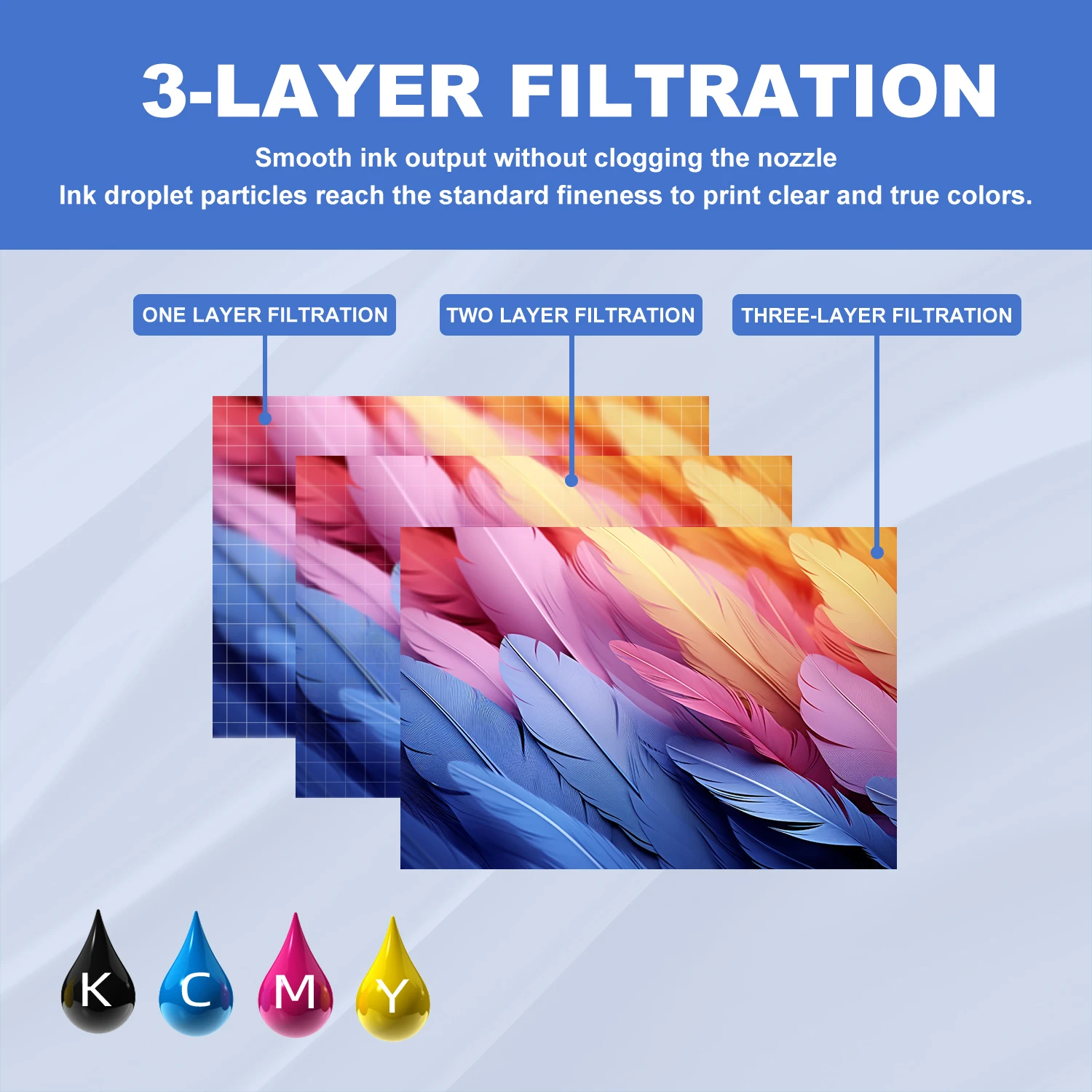
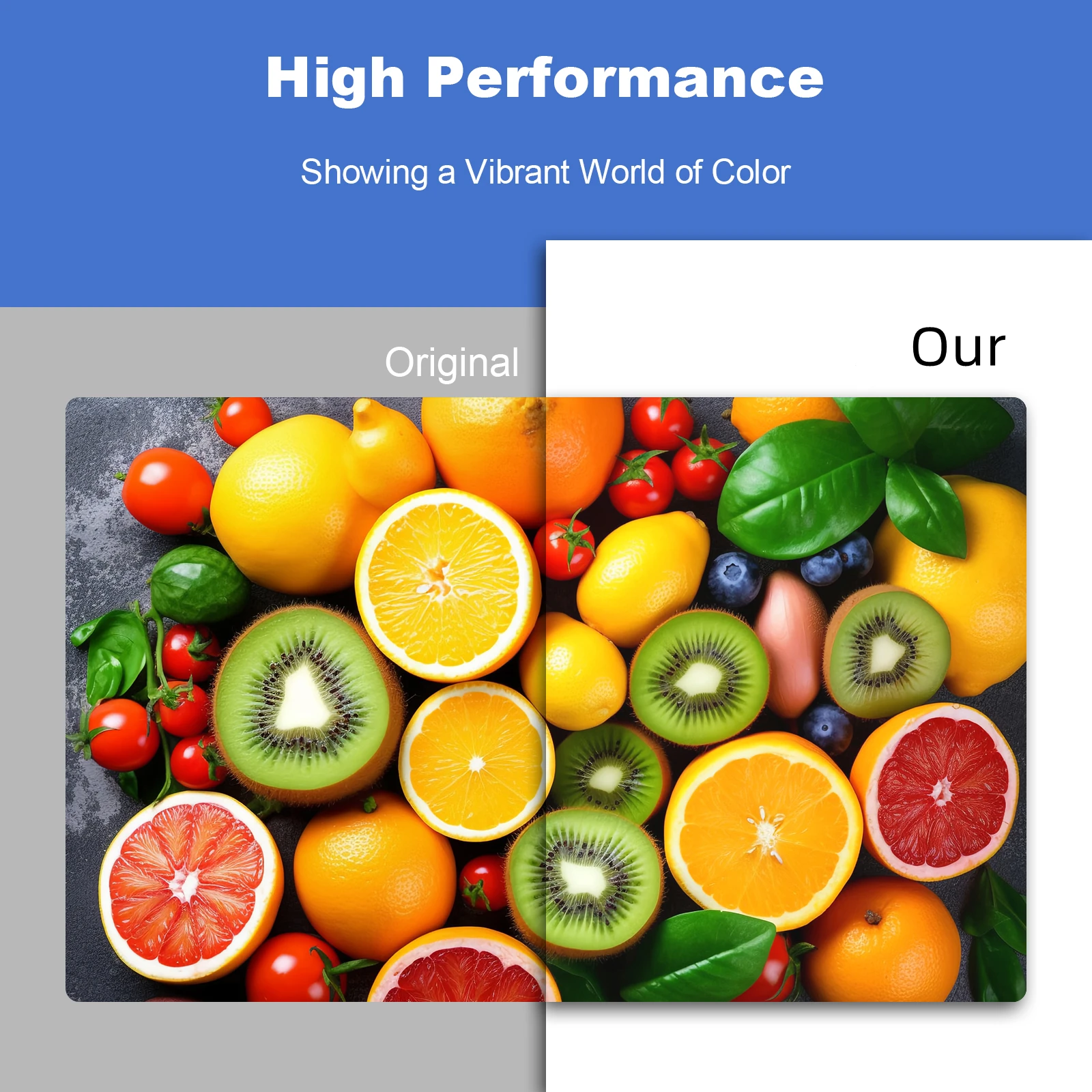

Some common troubleshooting methods:
1. Dirty chip:
Solution: Fingerprints, oil, or dust on the metal contacts of the chip can cause poor contact. It is recommended to wipe the chip surface with a dry paper towel or cotton swab.
2. Improper installation:
Solution: The mold of compatible ink cartridges may differ slightly from the original. Ensure you hear a "click" sound and that the ink cartridge is fully inserted into the slot.
3. A warning message "Non-original ink cartridge detected" pops up on the computer or printer screen (if present).
Solution: Click "Continue," "Yes," or "OK" in the prompt box on your computer. Alternatively, on the printer panel, sometimes you need to press and hold the "Stop/Cancel" button (inverted triangle icon) for more than 5 seconds to force the warning to be ignored.
4. Ink cartridge status conflict, such as only one color being replaced while other original ink cartridges for other colors are depleted, the printer will also report an error.
Troubleshooting methods:Replace all ink cartridges
5. Printer firmware locked, indicated by two lights flashing alternately and the computer displaying "Service Required: Internal printer parts are nearing the end of their lifespan".
Troubleshooting: This usually means the maintenance box/ink pad is full, which is unrelated to the ink cartridge itself. It requires resetting or replacing the maintenance box.
6. Important and friendly reminder: It is recommended that you turn off the printer's automatic firmware update prompts when using compatible ink cartridges in the future.


Reviews
There are no reviews yet.